
How to Read Your New Meter
Confused by your new digital electric meter? We decode the symbols and channels so you know if you are importing or exporting solar power.
Solar payback in your region — free estimate, instant calculator.
Open calculator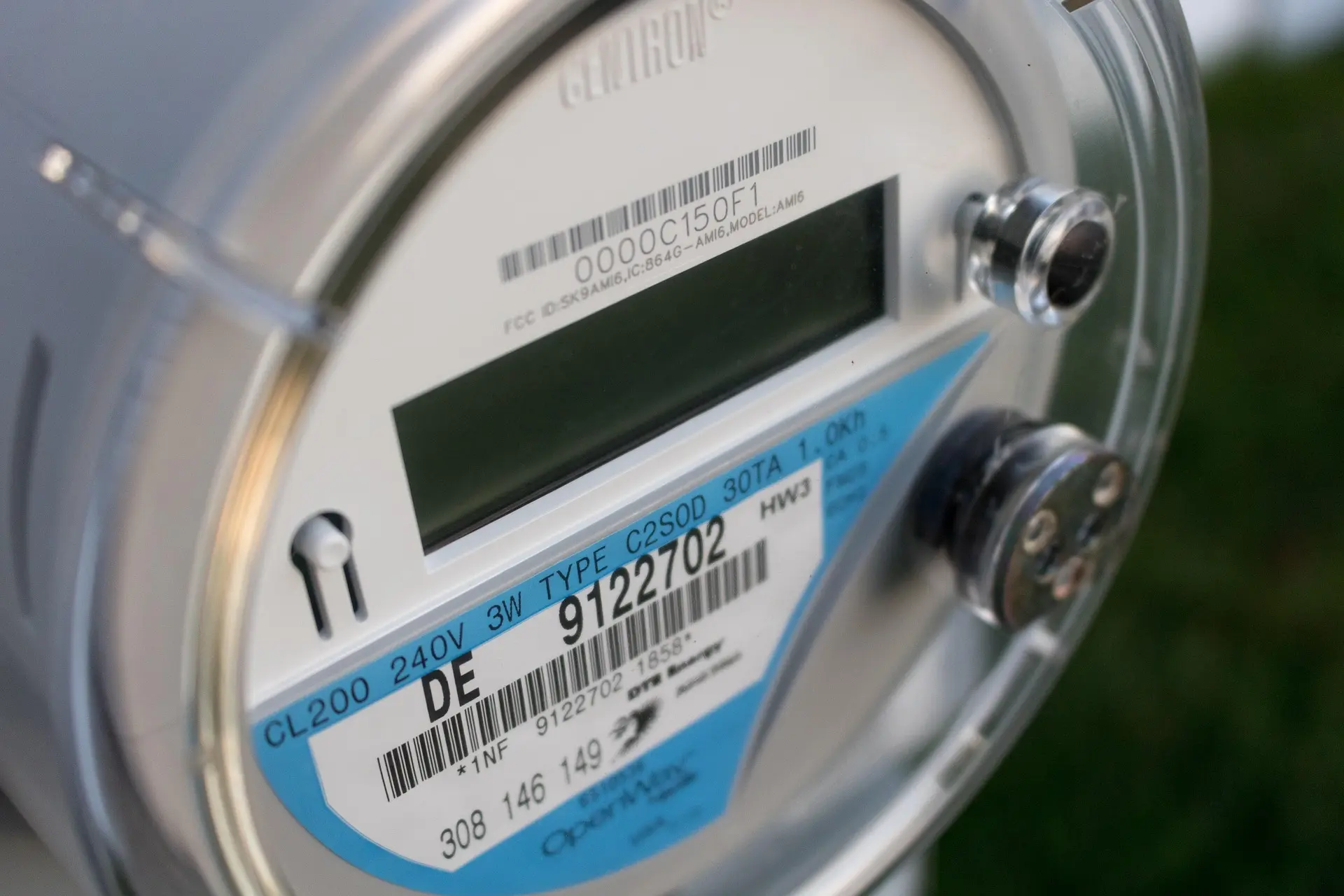
The utility truck pulls away. You walk outside to inspect your new digital meter. You expect to see the numbers spinning backward like in the cartoons.
Instead, you see a gray digital screen flashing weird codes: "01... 04... -5.2... Err..."
You stare at it. You have no idea if you are making money or losing it.
The Bi-Directional Switch Old meters were like odometers on a car; they only rolled forward. Your new meter is a two-way street. It is Bi-Directional.
Most smart meters (like the Landis+Gyr or Itron models) cycle through different "Channels" every few seconds. You need to know which channel is which. * Channel 01 (Delivered): This is power you bought from the grid. You want this number to stay low. * Channel 02 (Received): This is power you sent to the grid. You want this number to be high.
Follow the Arrow Ignore the numbers for a second. Look for the little digital arrow or the moving dots at the bottom of the screen. * Arrow Right (->): Power is flowing from the pole to your house. You are buying. * Arrow Left (<-): Power is flowing from your house to the pole. You are selling.
At noon on a sunny day, if that arrow isn't pointing to the left, something is broken.
Pro Tip From the Field "I get calls all the time: 'My meter says Error!' Relax. That 'Err' or '888888' screen is just the LCD display doing a pixel test. It cycles through it every minute.
Here is the real trick: Go check your meter at night. The arrow should point Right (buying). Check it at noon. It should point Left (selling).
If you see the arrow pointing Right at noon, go check your solar breaker in the garage. Did it trip? Is the disconnect switch handle in the 'ON' position? I've driven 50 miles to a 'broken system' only to find the homeowner accidentally turned the switch off while painting the wall."
FAQ: Meter Mysteries
- Q: Why does my bill show 0 kWh usage?
- A: If you are a Net Generator (you sold more than you bought), the utility billing software often just displays '0' for usage and banks the excess credits in a separate column. You aren't using zero; you just netted to zero.
- Q: Can I read the meter from my phone?
- A: Only if your utility provides a 'Smart Meter' portal (AMI). Otherwise, you have to walk outside and look at the screen like it's 1995.
- Q: What does 'Net' mean on the screen?
- A: Some meters do the math for you. Positive number = You owe them. Negative number = They owe you."